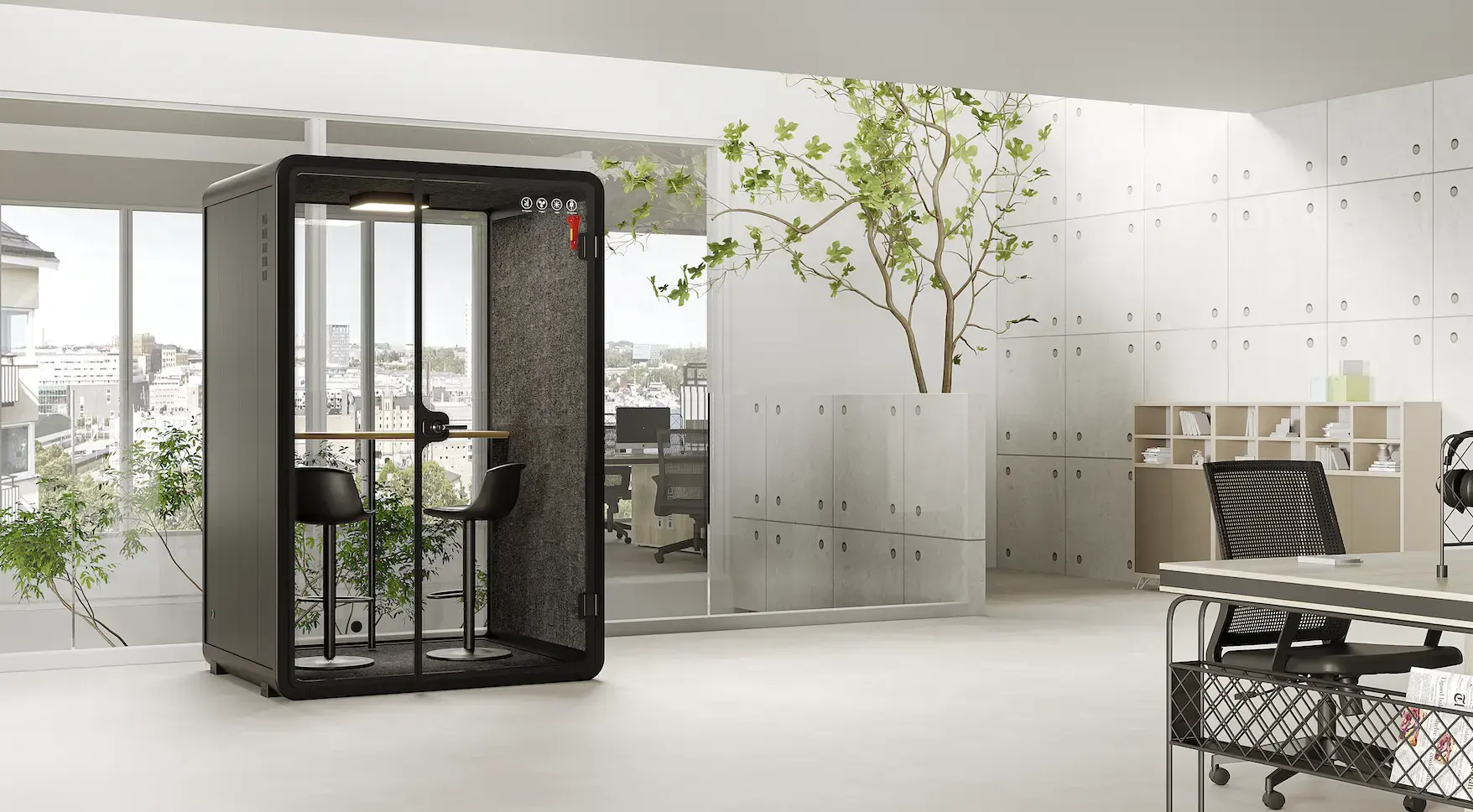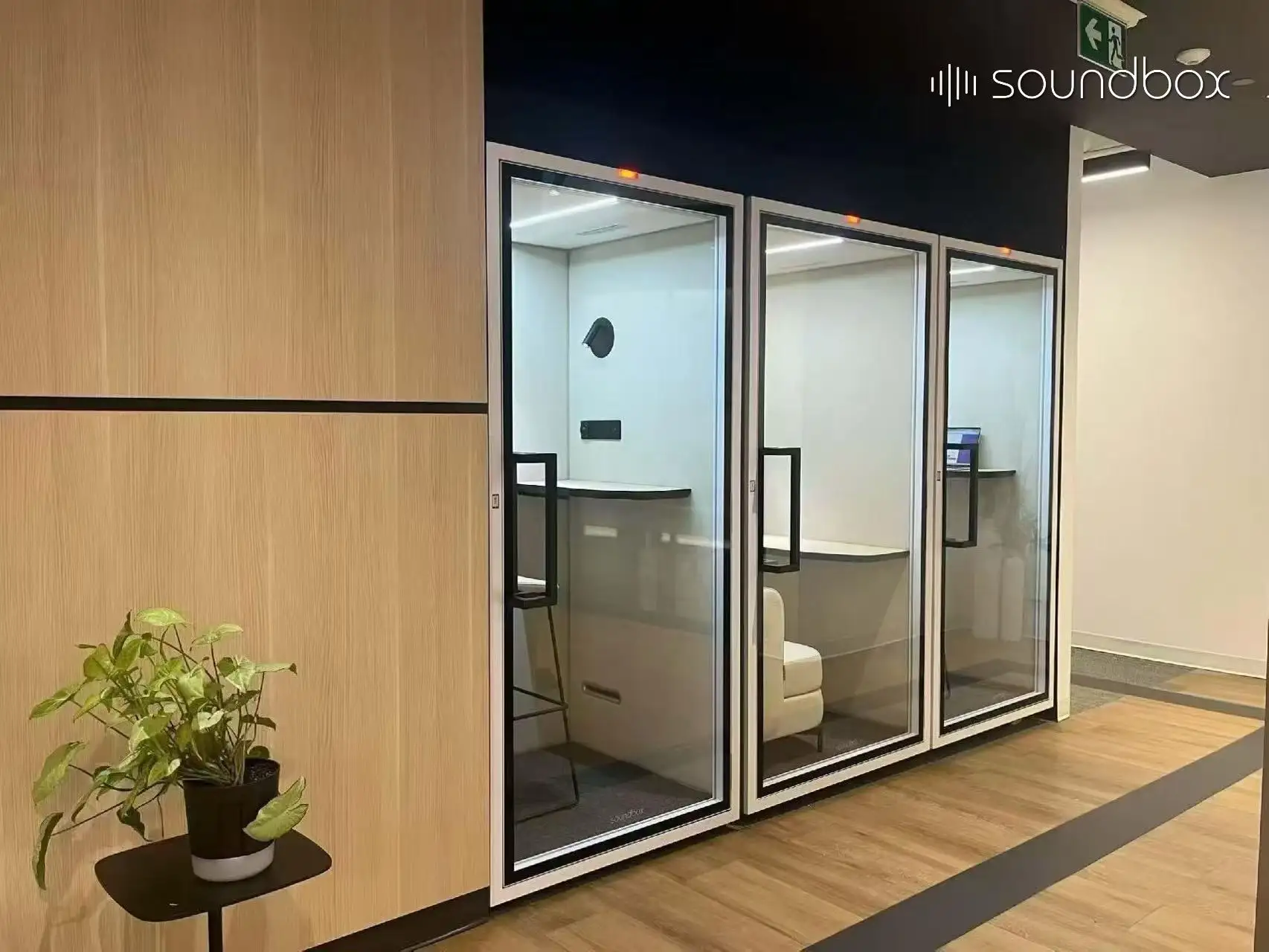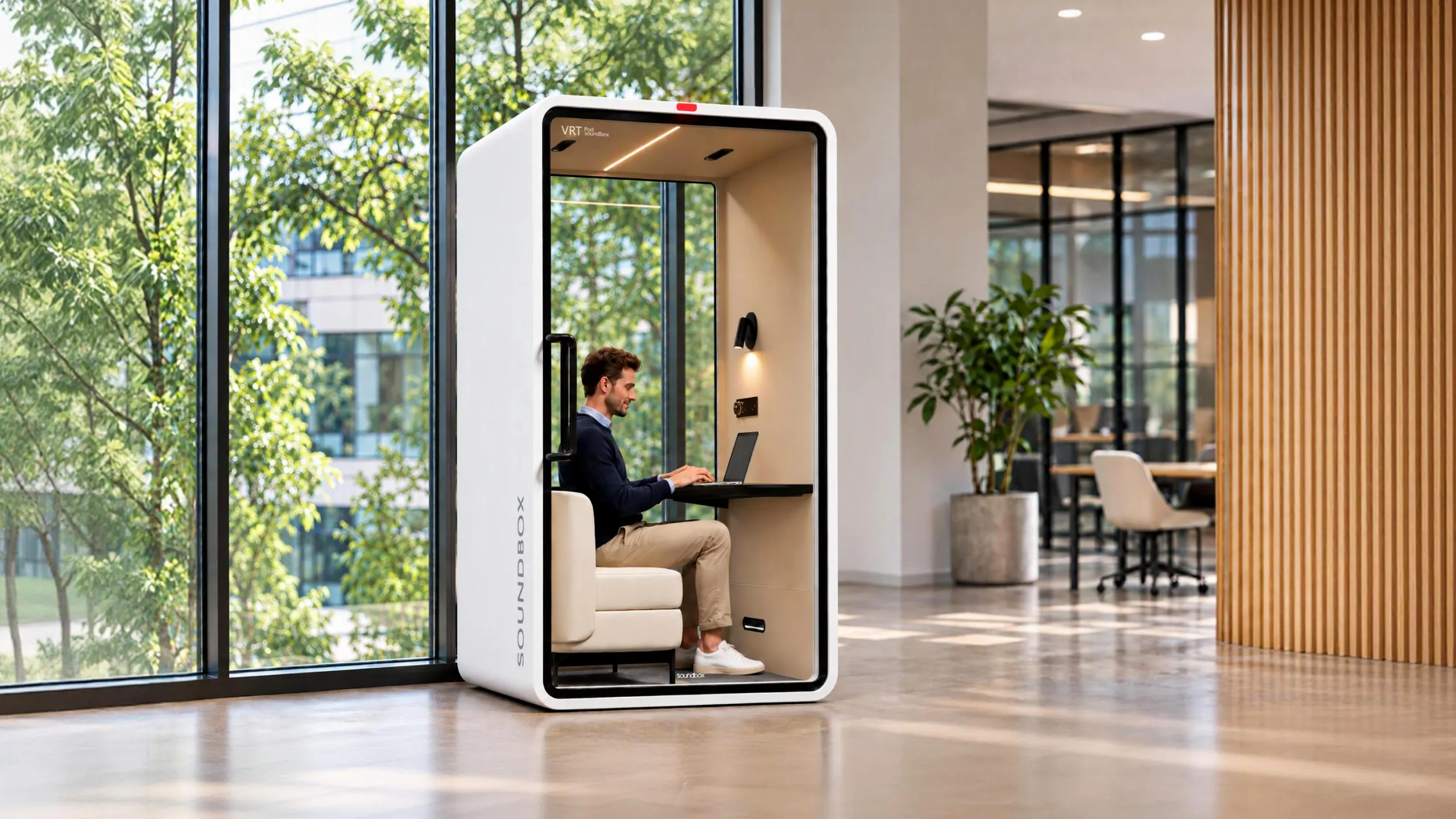
Office pod ventilation moves air between the enclosure and the surrounding room. For closed-door calls and meetings, evaluate the airflow together with the number of occupants, heat from equipment and fan noise at the setting you will use. The pod relies on the surrounding room for its incoming air and temperature conditions.
Soundbox describes ventilation using airflow, air changes per hour and runtime noise. Read each figure with its model and operating conditions.
Read the published airflow and noise figures
The VRT series page lists approximately 46 air changes per hour. Both the VRT brochure and ART brochure, Ver.202608, publish airflow of up to 95 m³/h, about 56 CFM, at 1200 RPM.
These figures describe different aspects of ventilation performance and may reflect different models or operating conditions. Refer to the specifications for your selected configuration when comparing airflow and noise.
The VRT S product page also describes ventilation operation at under 40 dB. That passage does not state the measurement position, weighting or airflow setting. Request the noise measurement and airflow for the same setting when comparing a quoted configuration.
Understand the units before comparing the numbers
Airflow and air changes per hour describe related quantities:
| Figure | What it describes |
|---|---|
| CFM | Cubic feet of air moved per minute |
| m³/h | Cubic meters of air moved per hour |
| ACH | Airflow per hour relative to the enclosure’s air volume |
To calculate ACH, divide airflow per hour by the enclosure’s internal air volume, using the same volume units. With CFM, multiply the flow by 60 and divide by the air volume in cubic feet.
As a calculation example, 60 CFM through a 100-cubic-foot enclosure equals 36 ACH. The same flow through a 200-cubic-foot enclosure equals 18 ACH. These illustrative volumes do not represent a Soundbox model or a ventilation target. They show why airflow and ACH need the same volume basis before comparison. For an actual model, use the internal-volume convention stated by the manufacturer.
Consider the surrounding room as part of the system
A pod that draws air from the office depends on that office for its incoming air. Moving room air through an enclosure is different from supplying outdoor air to the building, and a ventilation fan does not refrigerate the incoming air.
The EPA’s office air guide explains why building ventilation, air distribution and unobstructed vents matter. Include your facilities team when deciding where an enclosure will sit and how it relates to the room’s existing systems.
Location can affect the experience inside. Direct sun, a warm surrounding room and heat from laptops may change comfort during a longer meeting. If cooling is a project requirement, establish the proposed system, heat discharge, electrical work and maintenance arrangements separately from the airflow figure.
Evaluate the occupied pod at a useful setting
Review the model with the number of people and equipment it is intended to accommodate. A single person making a brief call does not reproduce a four-person meeting with several laptops.
Use a session representative of the intended activity. Check how the controls work, whether air reaches the occupied area, and whether users can keep the door closed comfortably. Note the surrounding conditions and fan setting so the observation can be understood later.
For calls, use the actual microphone and meeting setup where possible. Listen for a persistent tone, rattling or changes in fan speed as well as overall sound level. A setting that feels acceptable in person may interact differently with a microphone.
On a VRT configuration equipped with Smart Matrix, users can adjust airflow through the integrated control interface. Specify the control package in the order and review the operating settings before first use, so users know how to make an adjustment during a call.
Keep ventilation operating according to the product instructions. If users routinely turn it off or prop the door open, review airflow, noise, location and the activity the pod is serving. That behavior can help identify what needs adjusting.
Protect the air path when planning the layout
Air needs a clear route into and out of the enclosure. Confirm intake and exhaust positions on the model drawing, then keep furniture, adjacent walls and stored items outside the required clearance.
Soundbox’s product pages describe a top-in, bottom-out circulation arrangement and an indirect airflow path intended to manage fan noise. The final placement should follow the supplied instructions for that configuration. A clearance published for another brand does not establish the gap to leave around a Soundbox pod.
The airflow path also belongs in the complete-product acoustic review. Seals, doors, panels and ventilation openings operate as one assembly, so drilling new holes or modifying a channel can change more than the air movement.
Make maintenance part of the purchase
Ask how accessible vents are cleaned, how the fans and controls are serviced, and which replacement components are available. If a particular system has filters, establish their type and care requirements; do not assume all pod ventilation systems use the same arrangement.
Soundbox’s warranty policy includes maintenance responsibilities and exclusions for damage associated with inadequate cleaning. Retain the supplied care instructions and record a change in airflow or unusual sound when requesting support.
For a single-person booth, choose the space and furniture for the normal call or work session, then review its ventilation under those conditions. For four-person meetings, evaluate the occupied layout and equipment together with the model-specific flow.
Send Soundbox the model, occupancy and expected session length, along with the proposed room conditions. Request the airflow, control and maintenance information for that configuration so comfort can be considered alongside capacity and acoustic performance.