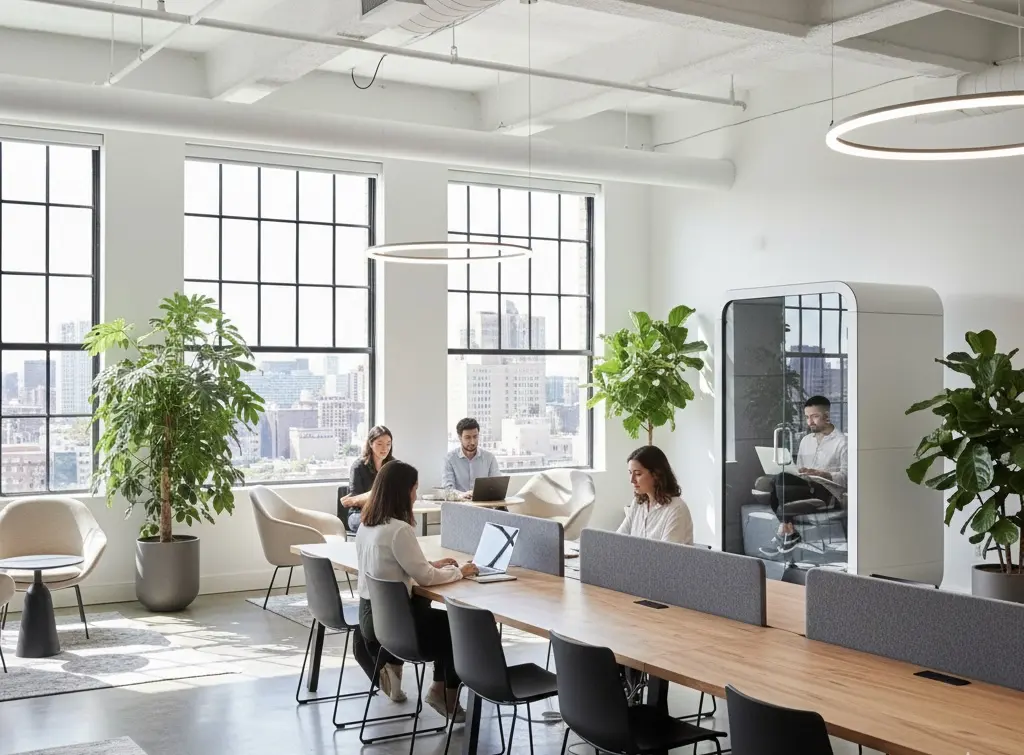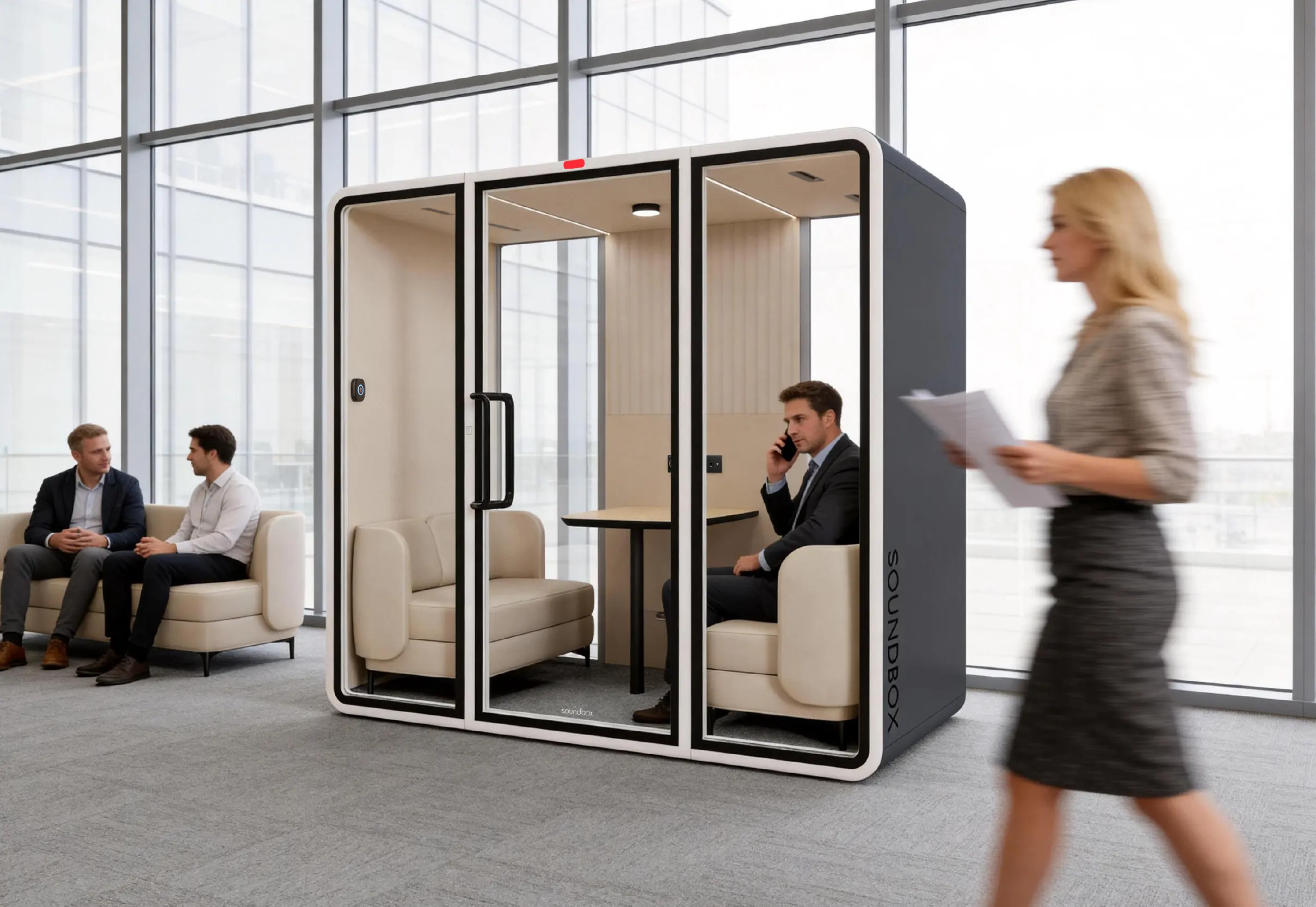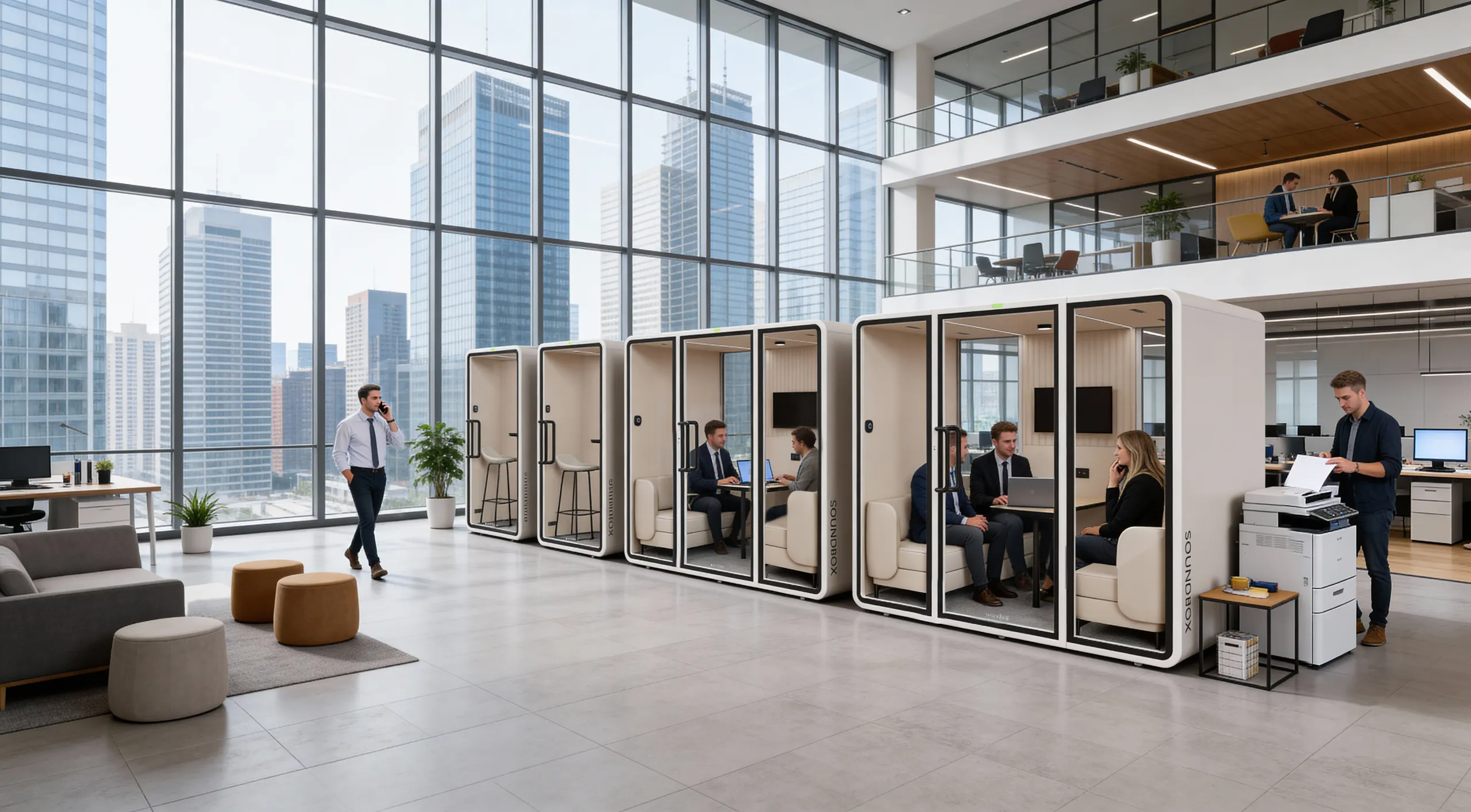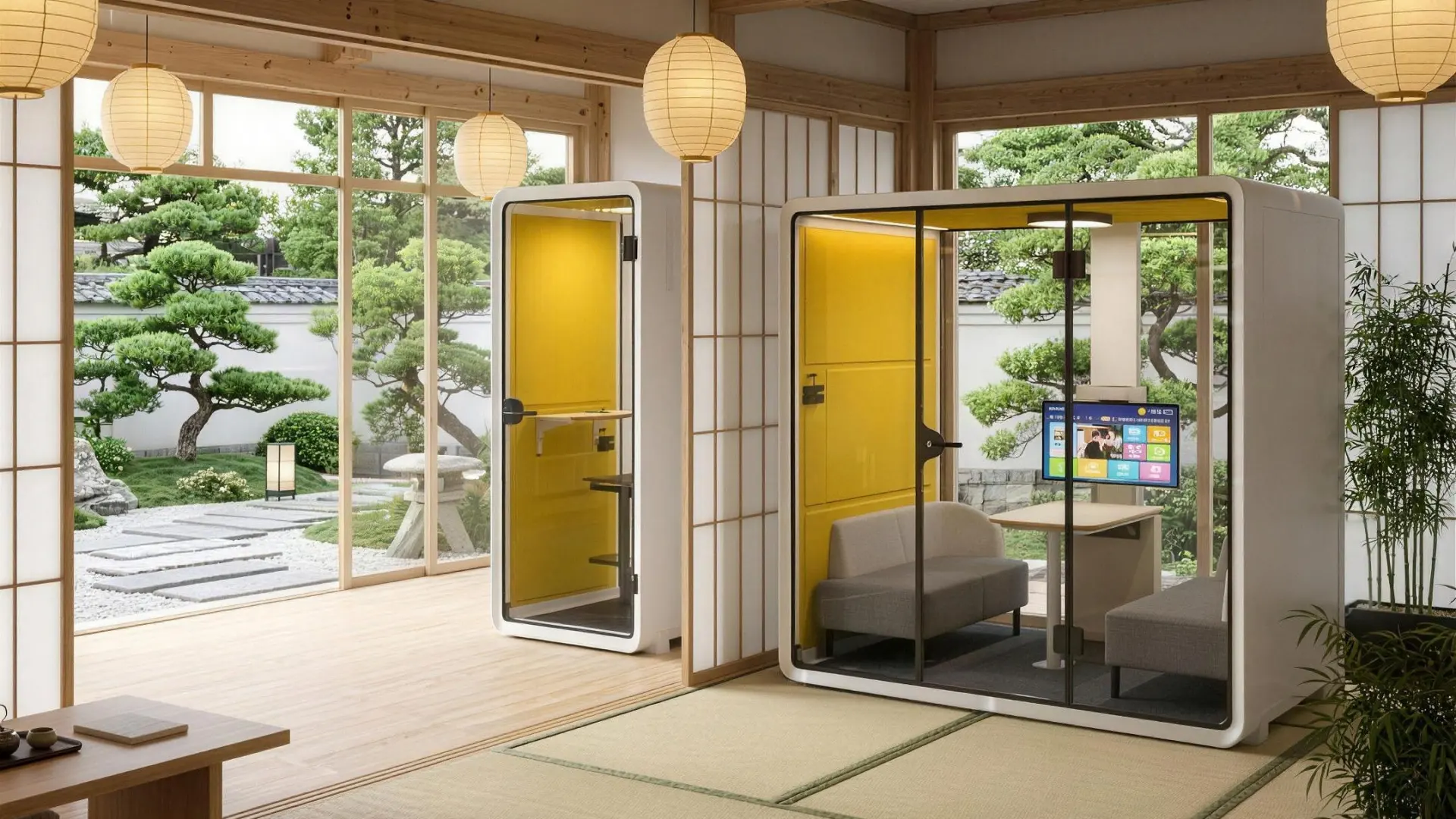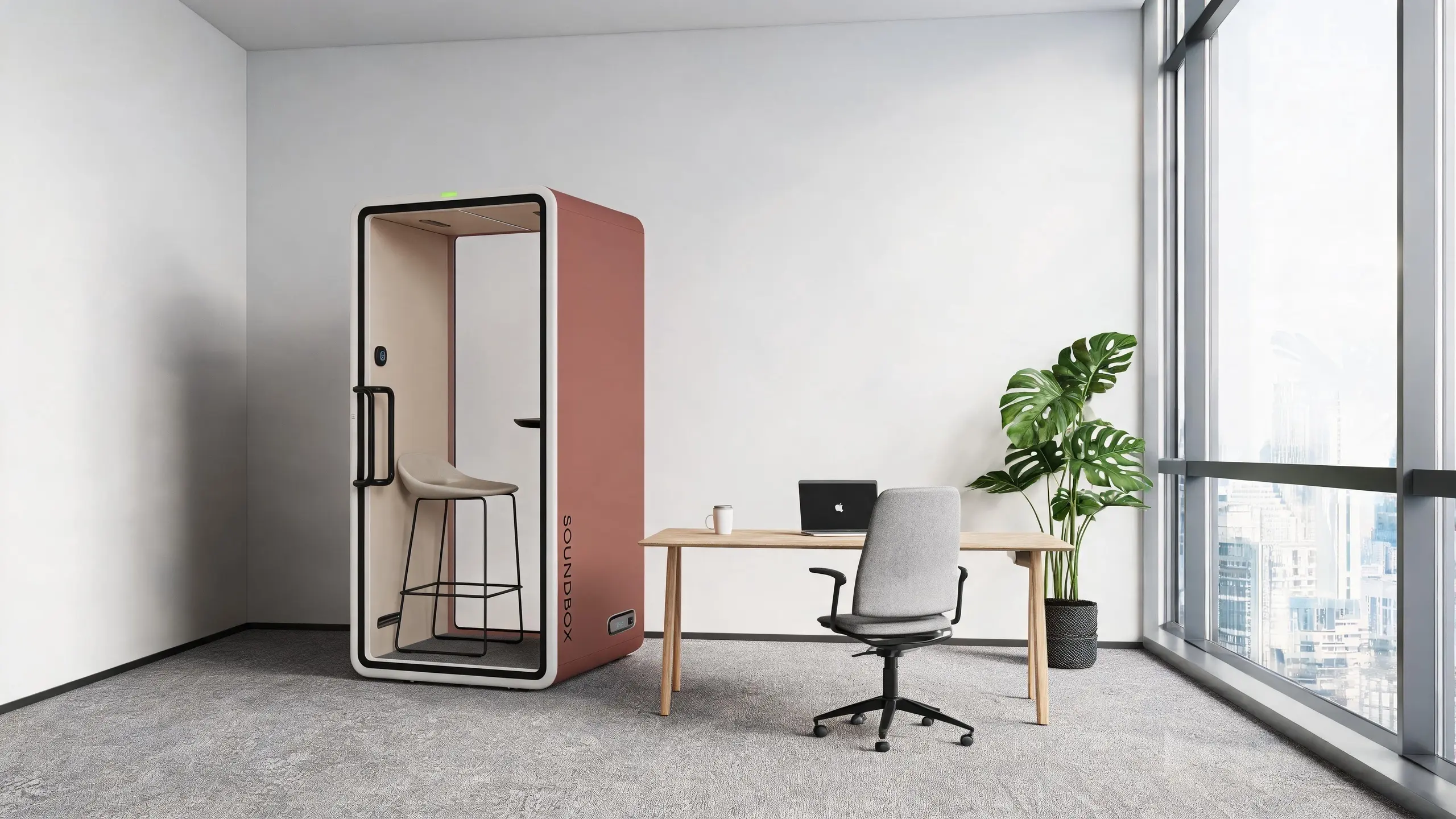
A focus pod can provide an enclosed setting for individual tasks that are difficult to complete in a busy shared workplace. However, not every one-person booth is designed to support sustained work.
Start with the user, task, equipment, and expected session length. Soundbox offers VRT and ART pod configurations with different amounts of usable workspace, furniture arrangements, and levels of visual screening.
Define the task
Start by identifying what users will do inside the pod and how long they will normally stay. A short call, an hour of laptop work, and an extended design or analysis session place different demands on the desk, seating, lighting, and ventilation.
Define:
- Typical and longest session length
- Laptop, monitor and document requirements
- Frequency of calls and video meetings
- Need for speech or visual privacy
- Whether the pod will be shared, bookable or assigned
A compact work surface may be sufficient for calls and routine laptop tasks. Work involving a larger monitor, reference materials or more equipment requires additional desk space and room to move. Include the equipment in the project brief before comparing models.
Soundbox one-person focus pod options include:
| Model | Capacity | Exterior dimensions | Interior dimensions | Workspace approach |
|---|---|---|---|---|
| VRT SM | 1 person | W 1100 × D 1040 × H 2100 mm | W 990 × D 925 × H 1960 mm | Compact individual workspace |
| ART SM | 1 person | W 1100 × D 1040 × H 2100 mm | W 990 × D 925 × H 1960 mm | Compact individual workspace |
| VRT M | 1 person | W 1550 × D 1240 × H 2100 mm | W 1440 × D 1125 × H 1960 mm | Larger individual workspace for additional equipment |
| ART M | 1 person | W 1550 × D 1240 × H 2100 mm | W 1440 × D 1125 × H 1960 mm | Larger individual workspace for additional equipment |
Within each size, ART and VRT models share the same listed dimensions and interior layout; ART has square corners, while VRT has a rounded profile. The M provides more desk space than the SM, along with a partial right-side panel for added visual screening.
Check comfort
For concentrated work, comfort should be assessed over the complete session rather than from the first impression of the interior. The user should be able to maintain a practical working position with stable lighting and airflow.
Match the workspace and seating to the task. Compare the usable desk area with the laptop, monitor, documents, and other equipment that will be used. Check the desk height, seat height, headroom and legroom using the actual furniture package.
Sofa-style seating can support informal laptop work, reading and shorter individual tasks. A separate task chair gives users more control over their working position during longer screen-based sessions. Fabric-lined interior panels create a softer visual and tactile setting, while the flat carpeted floor provides an even interior surface.
Check lighting from the working position. Soundbox smart controls allow users to adjust brightness and color temperature for different tasks. Selected models offer approximately 300–700 lux and 2800–6500 K; confirm the applicable range for the model being considered. Test the lighting while seated with the intended laptop or monitor, checking whether the work surface is evenly lit and whether the screen shows distracting glare or reflections.
Check ventilation over a complete work session. Selected Soundbox VRT and ART configurations use a low-speed, high-pressure fan developed with Panasonic. These configurations are specified at approximately 46 air changes per hour. A labyrinth airflow channel is designed to support air circulation while limiting sound leakage through ventilation openings. Confirm the airflow, operating mode, and fan-noise data for the selected model.
Where possible, test the pod while completing a task similar to its intended use. Laptops and monitors can add heat inside the enclosure, so evaluate temperature, airflow, fan noise, seating, and lighting together over a representative session.
Check connection and access
The in-pod Soundbox Smart Matrix control panel brings lighting and ventilation adjustments together in one interface, allowing users to change their immediate environment without leaving the workspace.
The integrated power module can include USB-C PD 20 W and USB-A QC 3.0 charging ports, together with AC outlets configured for the destination market. Confirm the number and position of outlets, and make sure cables do not cross the entrance, reduce legroom or block ventilation openings.
Wi-Fi and mobile reception depend on the building’s existing network and the pod’s proposed location. Test both where reliable connectivity is required for cloud-based work or video meetings; the pod itself does not provide or improve the available signal.
On configurations fitted with an external occupancy indicator, users can see whether the pod is in use before approaching the door. Where a wave-to-open sensor is included, the door can be released without touching the control. Confirm the availability of these features for the selected model and market.
Accessibility should be reviewed with the proposed furniture installed. Check the approach route, door opening, threshold, internal clearance, and reach of the desk, outlets and controls. Where a selected model does not meet a user’s access or comfort requirements, provide a suitable alternative workspace.
Understand acoustic performance
For concentrated work, consider both how much surrounding speech reaches the user and how much speech from inside the pod reaches nearby work areas. Performance depends on the complete enclosure, not on any single material.
The walls, glazing, door, seals, ventilation paths and interior acoustic panels perform different roles within the enclosure. Current model data lists:
| Model | Manufacturer-reported ISO 23351-1 result |
|---|---|
| VRT SM | Ds,A 30.2 dB, Class A |
| VRT M | Ds,A 30.3 dB, Class A |
ISO 23351-1 measures the reduction of speech produced inside the enclosure. It does not directly measure how much surrounding speech reaches a user inside the pod. Confirm the current result and test documentation for the exact model and configuration being considered. Results should be described as speech level reduction under the stated test conditions, not as a guarantee of complete silence or confidentiality.
Fan noise should also be reviewed separately from speech level reduction. Ask for the model-specific fan-noise figure and, where possible, listen to the pod with ventilation operating at the setting expected during normal use.
Actual performance also depends on placement. Nearby conversations, circulation routes, waiting areas and background sound can influence the user’s experience and the level of privacy provided in the completed workplace.
Plan fair use
Decide whether the pod will be freely available, bookable or assigned. Shared focus pods may require booking limits so that they remain available to more users, while assigned pods may need additional equipment space or personalized settings.
Use booking records, employee feedback and workplace observation to determine quantity and placement. Frequent use may indicate demand. After installation, review availability, session length, comfort, connectivity and accessibility, then adjust the equipment, booking rules or pod quantity where necessary.
To compare Soundbox pods configurations, contact our team with the installation country, floor plan, expected session length and equipment requirements. We can provide the current drawings, available acoustic documentation, and configuration information for project planning.