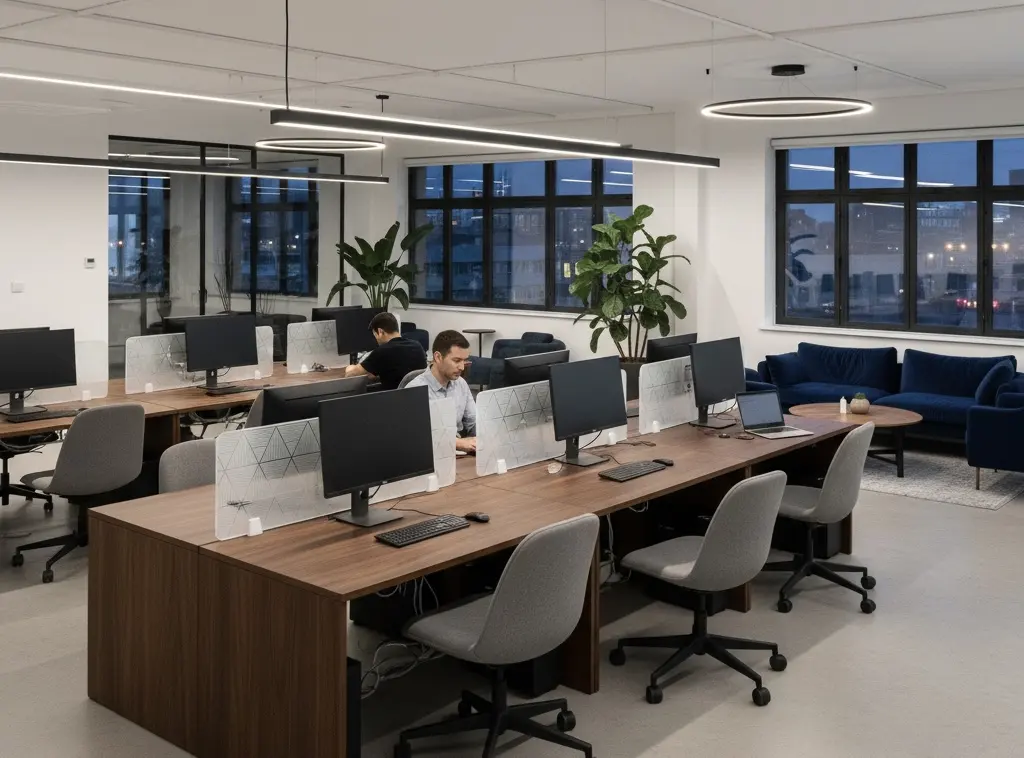
Desk dividers can change sightlines and, when made with absorptive materials, provide a nearby sound-absorbing surface. Their effect depends on height, material, position, and sound paths.
Define the objective
Decide whether the main objective is visual screening, sound absorption, or both before comparing desk dividers.
For visual privacy, review seated and standing sightlines. Desk dividers can define personal work zones and screen nearby movement while keeping employees within a shared workspace. Identify which views need screening and where visibility should remain. Clear glass and acrylic panels preserve views through the divider, while opaque panels provide visual separation. Match the panel’s height and position to the intended coverage, while keeping everyday interaction practical.
For acoustics, identify whether the issue is direct speech, reflected sound, or transmission between rooms. Conversations, phone calls, office equipment, and foot traffic can all contribute to distractions in an open-plan office. Fabric-covered dividers with an absorptive core can introduce sound absorption near the workstation. Their effect depends on the construction and surrounding sound paths.
Review product evidence
Ask the supplier for product specifications, mounting details, care instructions, and relevant stability and fire-performance information. Compare shortlisted dividers against the same requirements. Distinguish the panel’s total height from its height above the desktop, then review this alongside panel width and position to assess the intended visual coverage.
Common options include glass, acrylic, wood, metal-framed designs, and fabric-covered panels. Some constructions combine a supporting frame, an absorptive core, and a decorative finish. Check the complete assembly rather than selecting by appearance alone.
| Divider type | Potential use | What to verify |
|---|---|---|
| Clear glass or acrylic | Define workstation boundaries while retaining visibility | Weight, edge treatment, mounting details, and approved cleaning methods |
| Opaque rigid panel | Screen views between neighboring workstations | Height above the desktop, panel width, surface durability, and fixing requirements |
| Fabric-covered absorptive panel | Combine visual screening with a nearby absorptive surface | Core material, thickness, absorption test results, and cleaning instructions |
| Modular panel system | Accommodate changes to workstation arrangements | Compatible components, reconfiguration procedures, and replacement-part availability |
These categories can overlap: a modular system may use transparent, opaque, or absorptive panels. Confirm the details of the proposed configuration with the supplier.
For dividers marketed for sound absorption, ask which test method supports the claim and request the relevant report. For example, Intertek’s explanation of ASTM C423 describes a reverberation-room method for measuring sound absorption and lists office screens among its applicable products.
Check the report’s panel thickness, specimen construction, and mounting conditions against the proposed divider. Confirm whether the results apply to the complete product or only to a material sample. An absorption result alone does not establish sound isolation or guarantee speech privacy.
Colors and fabric finishes can be coordinated with the surrounding office furniture. Review finish samples alongside the cleaning instructions, and ask the supplier to confirm that supporting test documentation applies to the selected construction and finish.
Before requesting final quotations, record the panel size, material, finish, brackets, and required documentation for each shortlisted option. Include delivery and installation so that proposals can be compared on the same basis.

Fit the workplace
Check the proposed divider against the actual workstation and surrounding layout. Keep exits, circulation, daylight, ventilation, and supervision in view, and confirm that the panel leaves room for everyday tasks and access to shared equipment.
Measure the desktop thickness and inspect its edge profile before choosing clamps or brackets. Monitor arms, cable trays, drawers, and under-desk frames may compete for the same fixing positions. Follow the specified mounting instructions and check that fittings do not leave exposed sharp edges or cause instability.
For sit-stand desks, check the full adjustment range. The divider should move without catching cables or colliding with nearby furniture. Where neighboring desks adjust independently, confirm that the mounting arrangement accommodates that movement.
Modular dividers can support changes to workstation layouts where their components are designed for reconfiguration. Check which panels and brackets can be reused, whether tools are required, and how the revised arrangement will fit the furniture.
Before a wider rollout, trial a sample at a representative workstation:
- Record the starting layout, including sightlines, monitor positions, mounting obstructions, and cable routes.
- Install the sample using the specified fixings, then check stability, clearances, and desk movement.
- Ask users to carry out normal tasks, including reaching shared equipment, adjusting monitors, and interacting with colleagues.
- Check whether the intended views are screened and whether the panel makes cleaning or equipment access difficult.
- Record the selected configuration and any changes needed before ordering additional units.
Assess visual screening and acoustic outcomes separately. A successful sightline check does not establish speech privacy; any required acoustic performance should be evaluated against the project brief.
Combine controls
Use the workstation trial to identify what still needs attention. Frequent calls at neighboring desks may require a separate call area. Excessive reflected sound may call for ceiling or wall absorption, while noise entering through doors or partitions needs attention to those transmission paths.
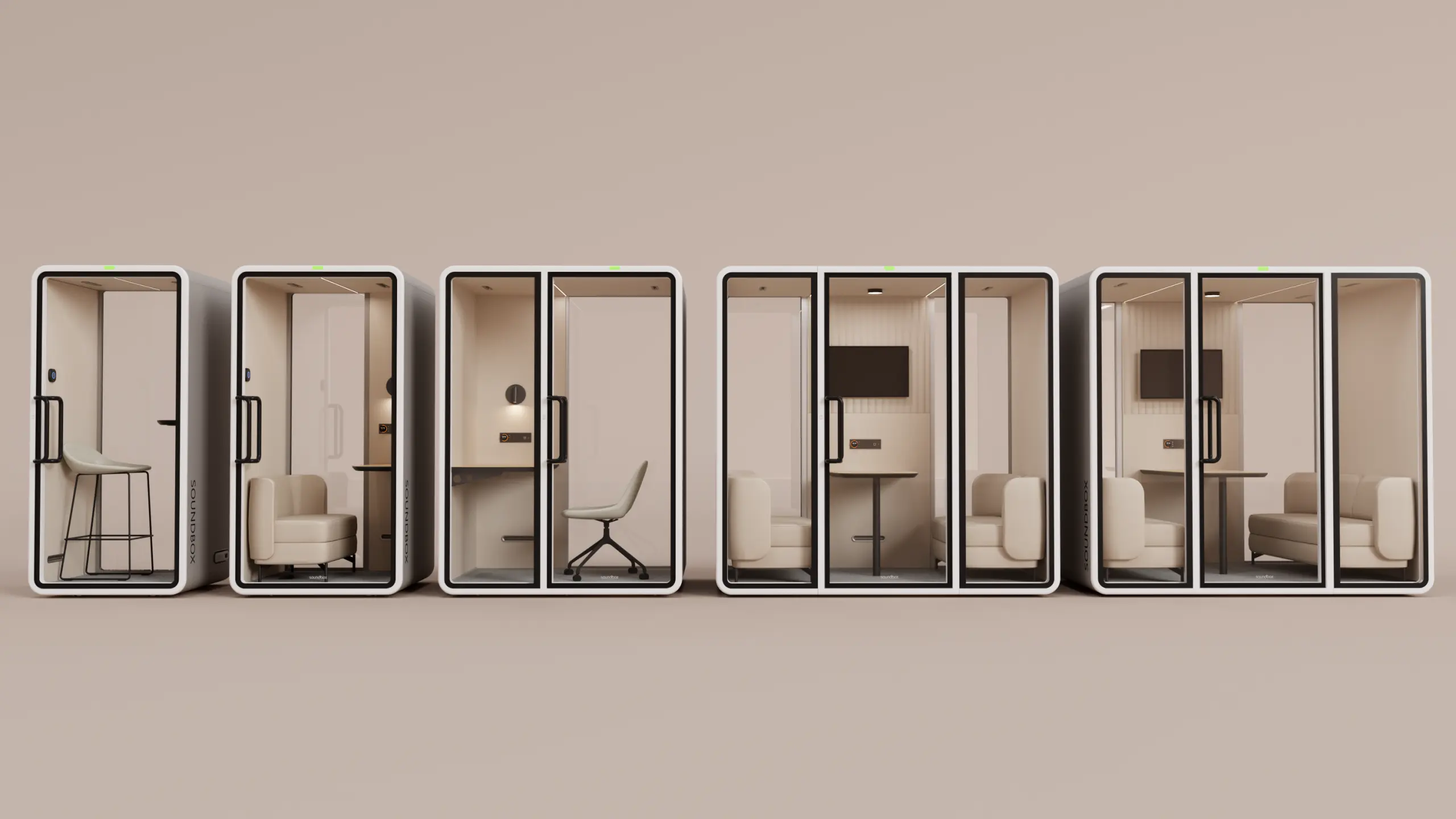
Desk dividers and enclosed pods serve complementary roles: dividers define individual workstations, while pods provide a separate setting for calls, online meetings, and focused work. Explore the Soundbox VRT Pods and consider the intended activities, number of users, and available space when comparing options.
Share your floor plan, intended activities, number of users, and any available acoustic assessment with the Soundbox team to discuss enclosed-space options. Review the proposed configuration, installation requirements, and available acoustic test information for the selected model. For confidential conversations, assess the required level of speech privacy and the proposed location with the project team.