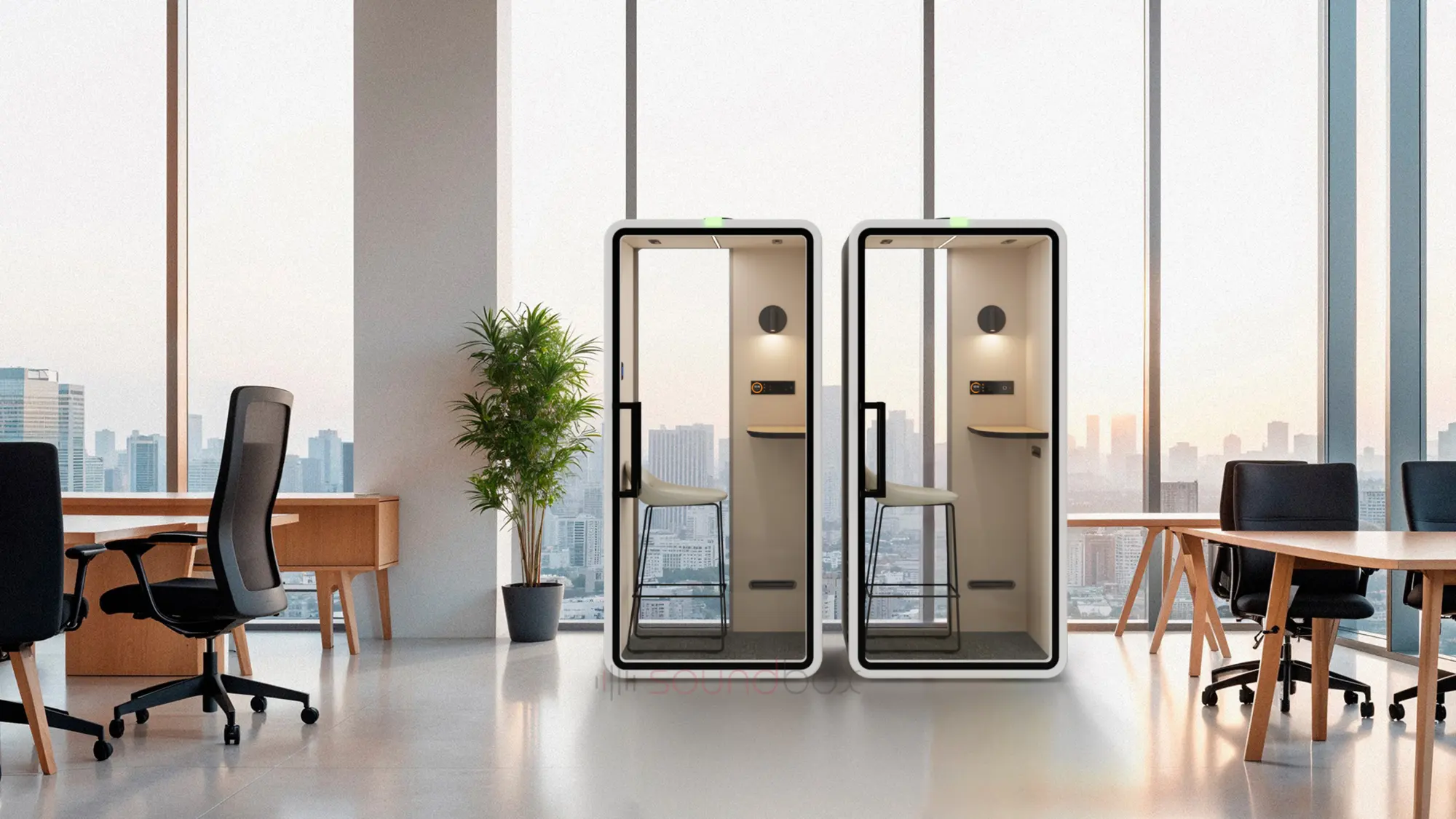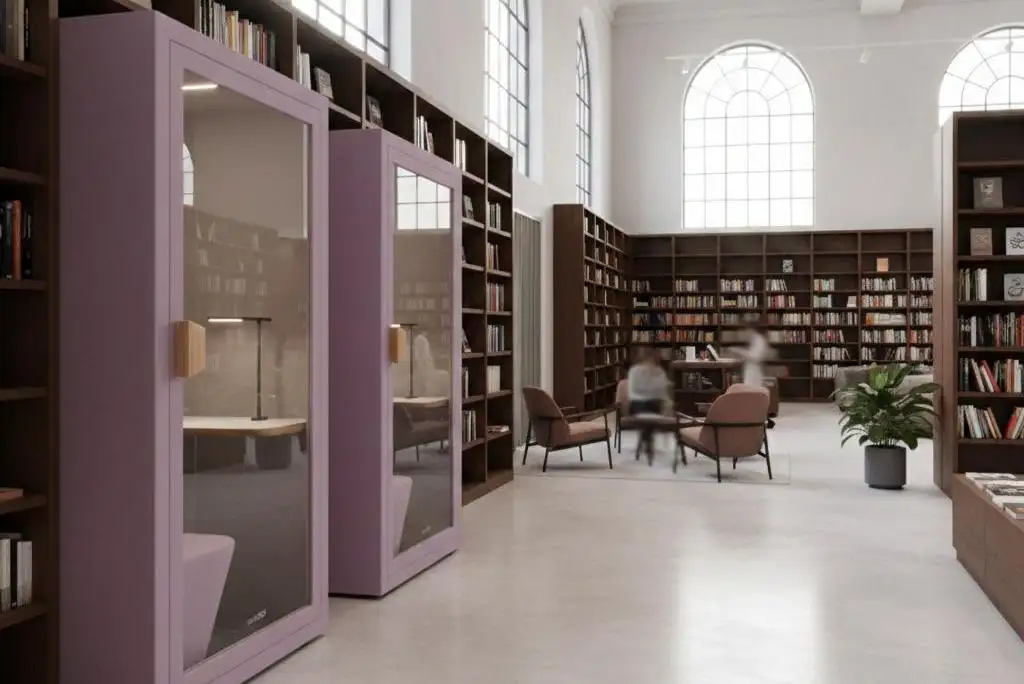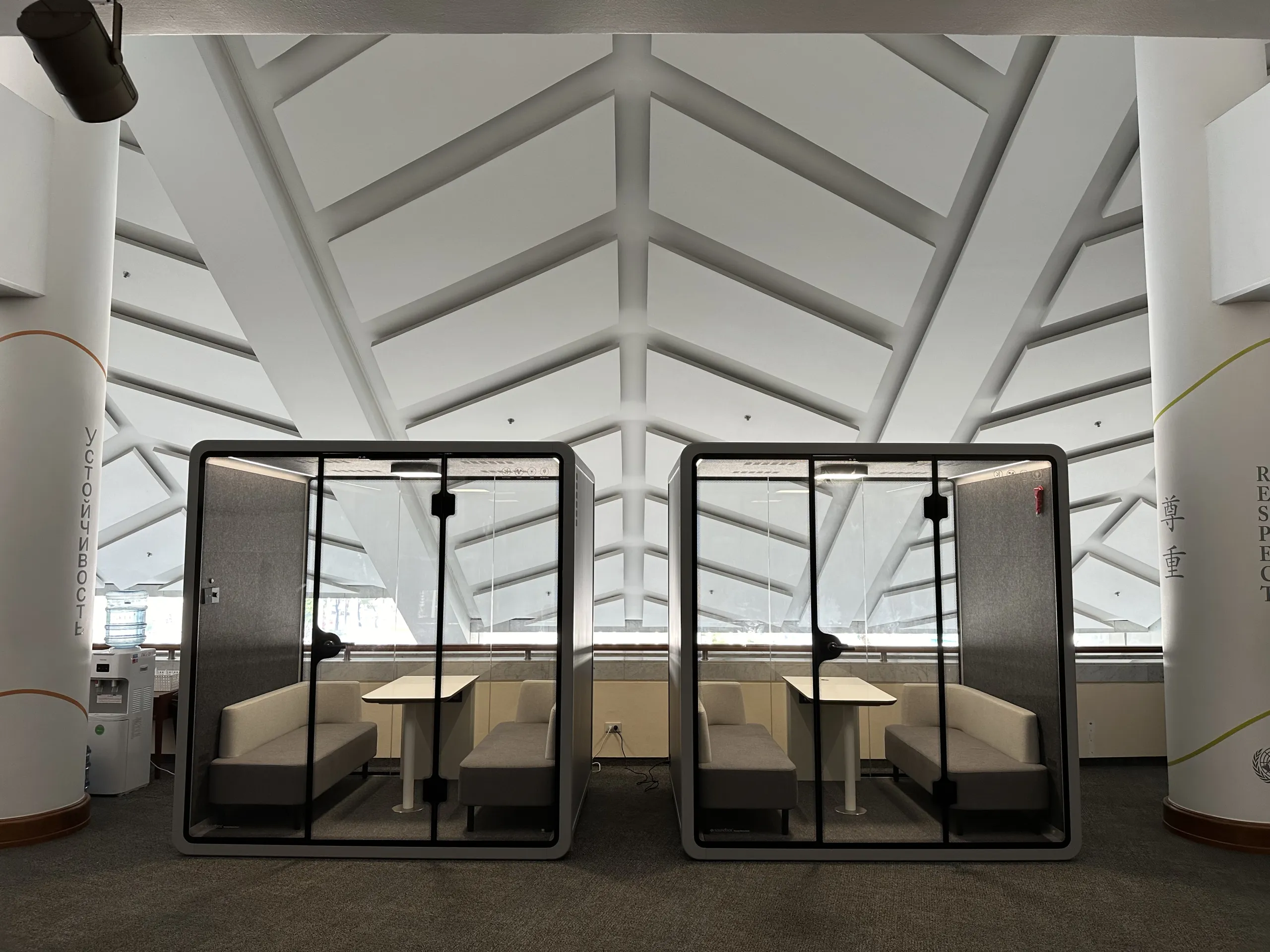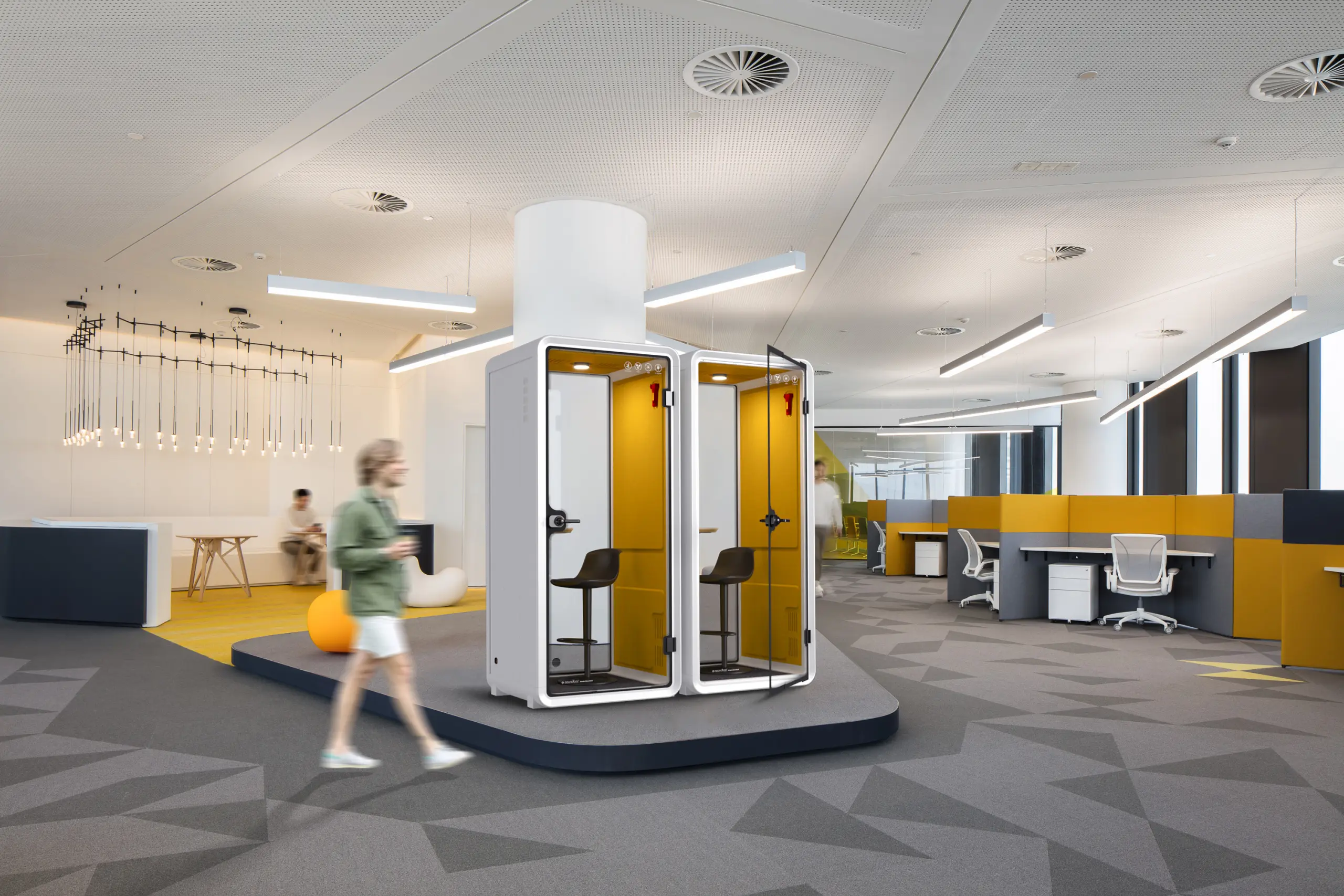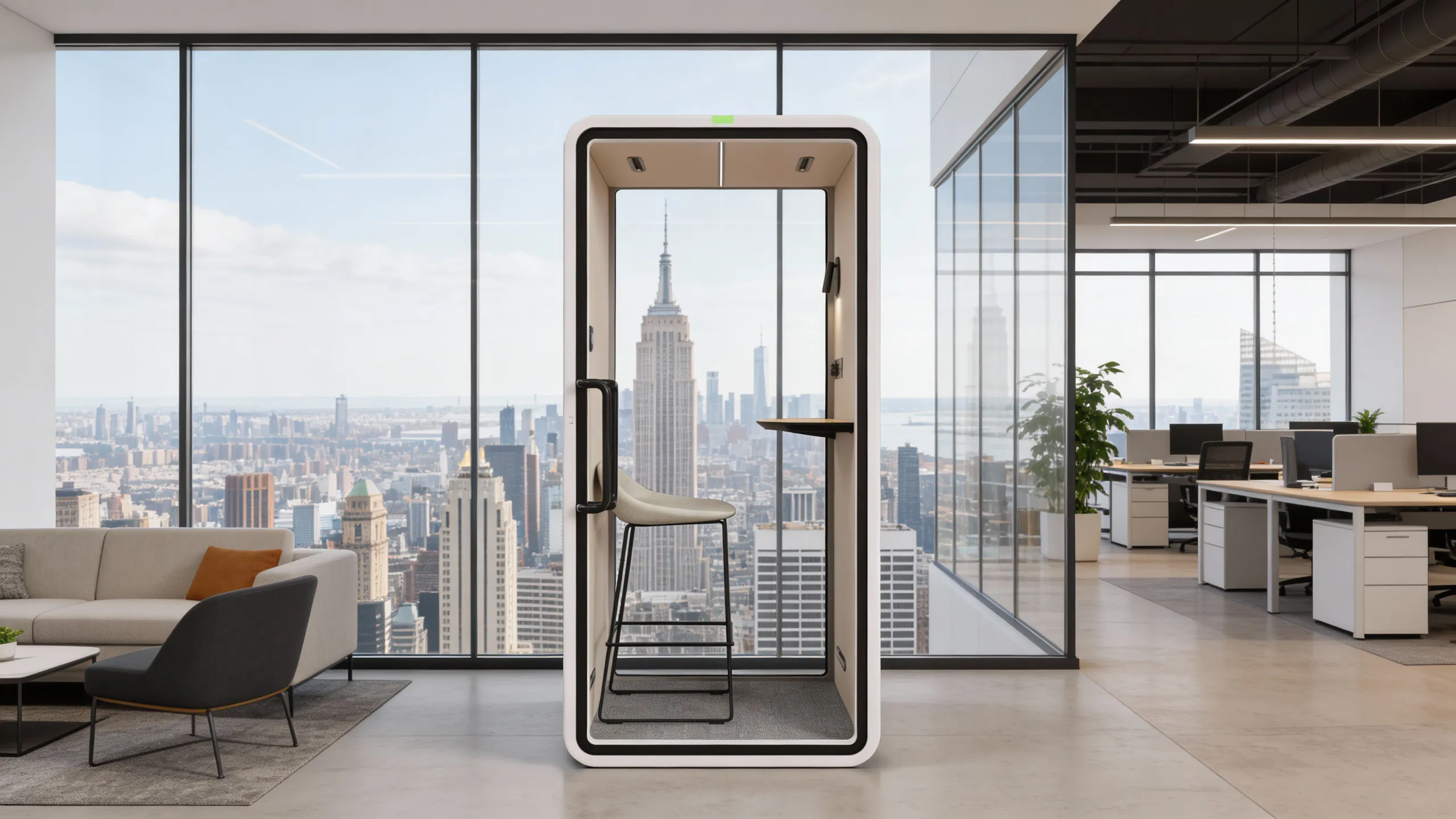
Soundbox’s smart pod features serve two everyday needs: adjusting the environment inside a pod and managing connected pods across different locations. The in-pod control panel gives users access to lighting and ventilation settings, while the AI Digital Matrix Admin Portal gives administrators a central place to review pod usage and equipment status.
For purchases that include connected management, customers receive an account to access the platform and manage their pods. Available functions depend on the model and selected configuration.
The control center inside your Pod
Soundbox’s smart control panel brings lighting and ventilation adjustments together in one interface. Users can adjust airflow, light brightness, and color temperature to suit their preferences, with the controls within easy reach inside the pod.
The integrated power module includes USB-C PD 20 W and USB-A QC 3.0 charging ports, alongside an AC outlet configured for the destination market. Users can connect and charge compatible devices while working or taking calls.
Available controls and outlet configurations vary by model and market. For guidance on automatic activation, shutdown, default settings, and operation after a power interruption, contact Soundbox for instructions specific to your configuration.
The management hub for your Pods
The Soundbox AI Digital Matrix Admin Portal gives facilities managers a central place to oversee connected pods across different locations. Through a management account, administrators can review equipment status, preset environmental settings, coordinate maintenance, and analyze pod usage.
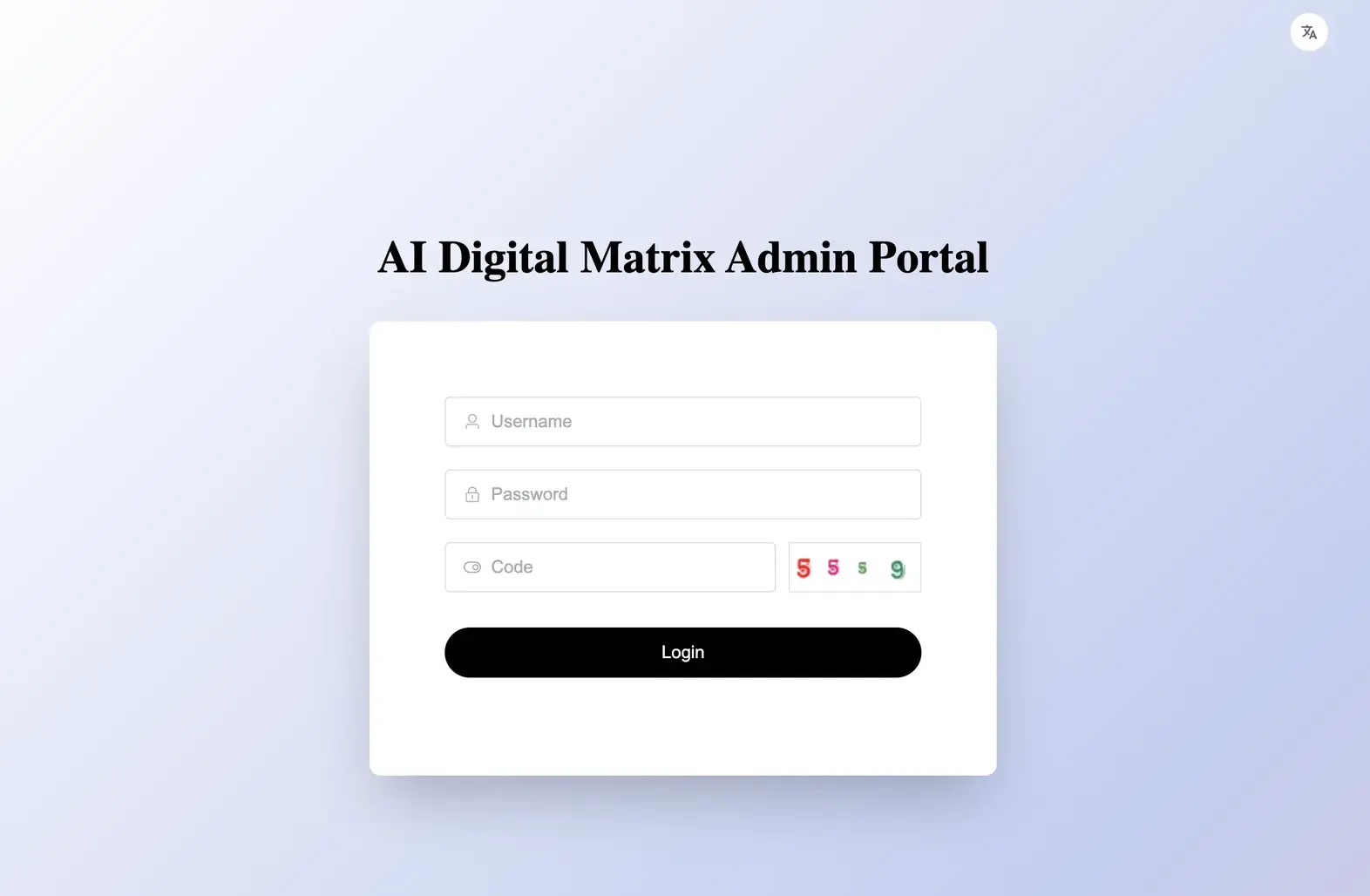
- Manage multiple pods: View and manage connected pods through one platform, with an overview of each unit’s usage and operating status.
- Preset the environment: Set lighting and ventilation preferences remotely, along with air-conditioning settings on supported models. This allows administrators to prepare pod settings before use.
- Coordinate maintenance: Check reported faults, identify the affected pod, and share the relevant information with maintenance personnel to arrange inspection or repair.
- Analyze pod usage: Use recorded usage data to understand how the pods are being used and support decisions about placement, availability, and future capacity.
Available controls and data depend on the pod model, connected equipment, and account permissions.
Set up smart features for your workplace
Start with the functions your team needs: in-pod adjustments for users, centralized oversight for administrators, or mobile access and booking where available. Confirm the supported features for your selected model and configuration.
- Account setup: For purchases that include connected management, customers receive an account for the AI Digital Matrix Admin Portal. Confirm which pods are linked to the account and who will have access to management functions.
- Network connection: Agree with your IT team on how the pods will connect and who will handle setup and ongoing support. Confirm whether the connection serves the management system, user internet access, or both.
- Mobile and access options: If app, NFC, or QR-code functions are required, confirm what each option enables, which devices it supports, and whether additional setup or fees apply.
- Data and permissions: Review the usage and equipment data collected by the system, how it is used, how long it is retained, and who can access it.
Maintenance and support
Contact Soundbox for cleaning, ventilation maintenance, and component replacement instructions specific to your model. When reporting a fault, provide the pod’s model, serial number, and displayed fault information, along with the software version where available. Confirm which tasks can be handled on site and which require service personnel.